
Since our initial assessment in March 2026, we have regularly used the MacBook Neo in our mobile day-to-day work as tech journalists through August 2026. The goal was to determine whether Apple’s entry-level model could still provide fast wake-from-sleep performance and the immediate resumption of editorial tasks even with a more demanding user structure.
The result: In a complex three-account setup, the device repeatedly reached its limits. A complete fresh setup and the switch to a streamlined two-account setup ultimately resulted in a significantly smoother user experience.
Three Local Accounts Overwhelmed the Mobile Setup
The original configuration consisted of a separate administrator account, a private user account, and a third local account for journalistic work. While this separation reflected our different usage contexts, it repeatedly led to noticeable delays in everyday use.
Especially after waking from sleep, the MacBook Neo often needed time before it was fully ready for use again. Windows were temporarily unresponsive, mouse pointer movements appeared choppy, and various applications or background processes seemed to initially need to reload their content and states.
For tech journalists who frequently need to capture information while on the go under time pressure or react immediately to news and new developments, such delays are problematic. A mobile work device should ideally be ready for use again after waking without a lengthy initialization or loading phase.
iMessage, Safari, and Dictation With Recurring Freezes
The performance issues appeared across several everyday applications:
• iMessage: Opening a gallery containing several images resulted in longer loading times. Individual photos, by contrast, could be displayed without problems. After the delayed selection of an image, drag-and-drop from the iMessage chat into the local Finder sometimes no longer worked. Loading older messages took at least one minute in one instance.
• Safari: In a window with several open tabs, tab icons were displayed incorrectly and appeared to be duplicated in a second row.
• Dictation: On the first key press, the function initially did not respond. Only after a short wait and a second attempt did dictation start. Subsequent activations then worked immediately. From a user perspective, this behavior suggested a delayed initial initialization of the function.
• Siri: After waking, a Siri operation was still displayed even though it had already been executed at least 20 minutes before the device entered sleep mode.
• Text input: Even with the device open and the display switched on, immediately beginning to enter text occasionally resulted in noticeable stuttering.
Restoring From Time Machine Brought the Problems Back
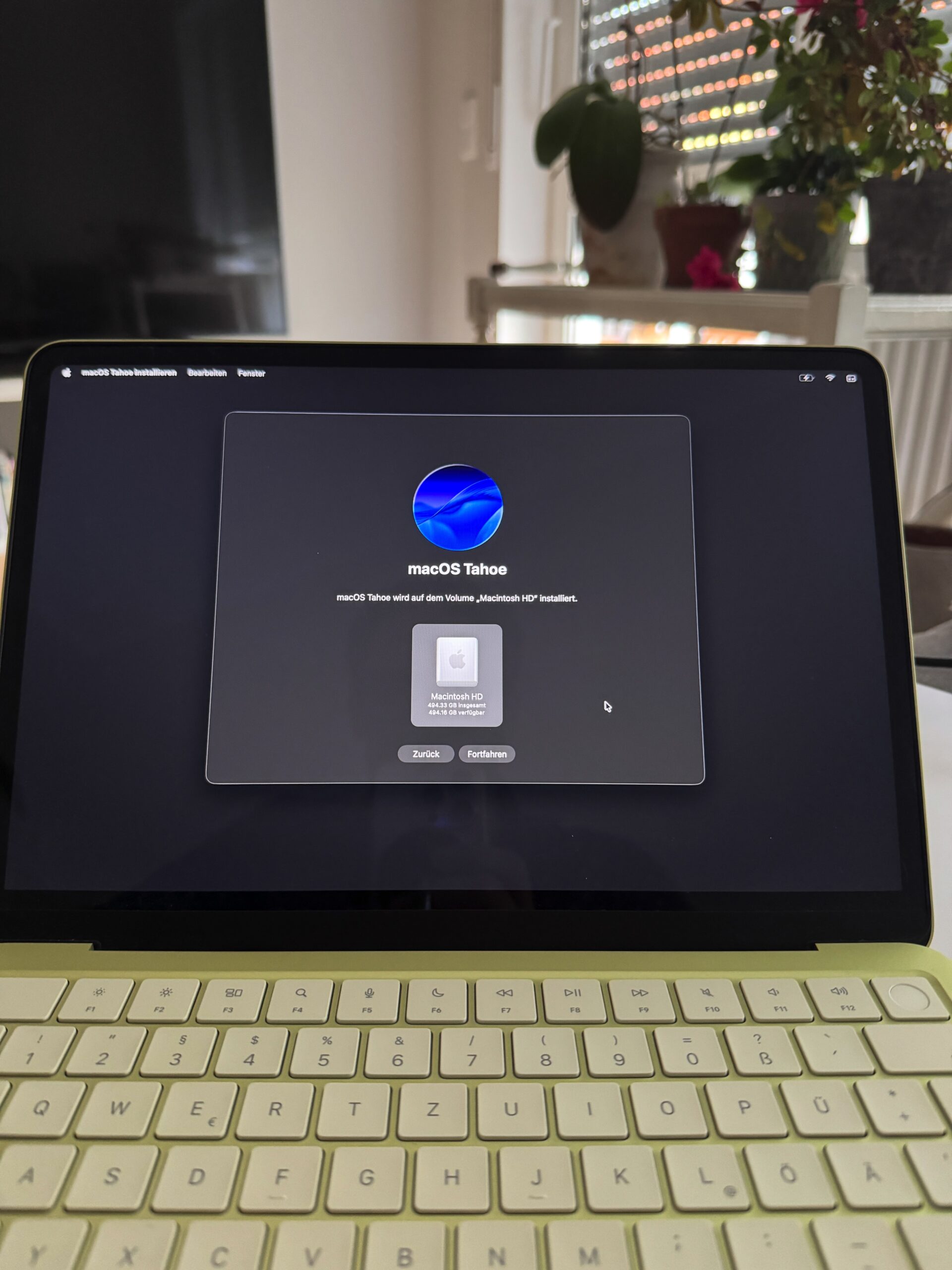
In an initial attempt to resolve the issues, we completely reset the MacBook Neo. The internal drive was erased, macOS Tahoe was reinstalled, and the most recent Time Machine backup was then restored.
After a short period of time, however, comparable problems reappeared. This suggested that simply reinstalling the operating system was not sufficient and that the backup may have restored earlier configurations, background processes, or other elements of the existing system history.
However, this does not provide definitive technical proof of causation. The observations come from our specific real-world test and cannot be generalized to all MacBook Neo devices.
Starting Fresh Without Carrying Over the System History
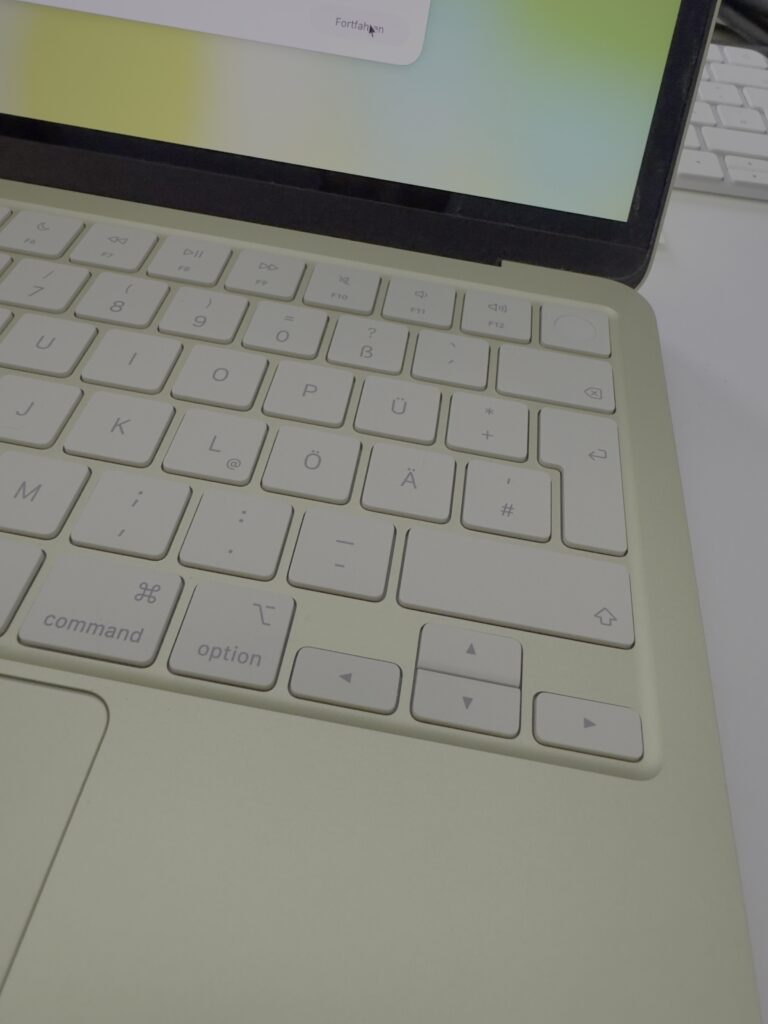
For the second attempt, the internal drive was once again completely erased and macOS Tahoe was reinstalled. This time, we deliberately chose not to restore the previous Time Machine backup. Instead, the MacBook Neo was set up step by step as a new system.
Initially, only a private local user account was created. This account also serves as the administrator account and is connected to the private Apple Account.
In this state, the MacBook Neo performed the way we expect a mobile Mac to perform: Waking from sleep was fast, and editorial or private tasks could be resumed immediately. Noticeable stuttering or longer loading phases no longer occurred in this configuration.
At least within our real-world test, this confirmed that the MacBook Neo can operate smoothly and reliably in a streamlined standard setup.
The Streamlined Two-Account Setup for Tech Journalists
To continue keeping private and journalistic activities clearly separated, we then gradually created a second local user account. This account was connected to the professional Apple Account and fully configured for journalistic work.
Even after setting up the second account, the system remained smooth. Waking from sleep continued to work quickly, and repeatedly switching between the private and journalistic accounts was possible without major delays.
This fast user switching is relevant to our everyday workflow. While on the go, we often need to briefly handle a private matter, then respond to an editorial message, and afterward switch back into the other usage context again.
In the optimized setup, we chose not to use a third account dedicated exclusively to administrative tasks.
The most important changes compared with the original configuration were:
• complete reinstallation of macOS Tahoe without restoring the previous Time Machine backup,
• reduction from three to two local user accounts,
• step-by-step setup and functionality testing after each major change,
• limiting the system to the mobile work environment that was actually required.
Relevance for Everyday Mobile Editorial Work
At home or in the office, more powerful systems such as a MacBook Pro or Mac Studio can handle more complex production and processing tasks. On the go, however, low weight, fast system readiness, and the simplest possible setup are more important.
In this role, the MacBook Neo can be a compelling solution for research, communication, notes, dictation, reviewing image material, and light editorial work. The decisive factor is less about maximum computing performance than whether the device can reliably become available again after waking without lengthy delays.
The MacBook Neo may also be suitable as a quickly configured work computer for new team members, mobile field assignments, or situations in which an additional device is needed at short notice. Given its positioning, it can represent a comparatively accessible and straightforward solution for these scenarios.
However, our experience so far shows that the device’s limited resources should not be burdened by an unnecessarily complex user and system configuration.
Conclusion and Outlook
Our real-world test from March through August 2026 shows two very different sides of the MacBook Neo. In the original configuration with three local user accounts and a restored system history, delays as well as noticeable display and usability issues occurred regularly.
After the complete fresh setup without a Time Machine restore and the reduction to two local accounts, the device once again operated quickly and reliably. Waking from sleep, immediately resuming work, and switching between the two user accounts all worked in this configuration without the limitations previously observed.
Based on our real-world test, it is not possible to conclusively determine which individual step was decisive for the improvement. A combination of a clean reinstallation, not carrying over the previous system history, a reduced account structure, and a controlled setup process may have contributed.
For our everyday mobile editorial work, however, the streamlined two-account setup has so far proven to be a compelling configuration. This allows the MacBook Neo to fulfill exactly the role that makes it particularly interesting: that of a lightweight, affordable Mac that can be quickly put to work for journalistic tasks on the go.
Source: Our own real-world test by two tech journalists, March through August 2026.
Entdecke mehr von BlackOmegaVirus
Melde dich für ein Abonnement an, um die neuesten Beiträge per E-Mail zu erhalten.